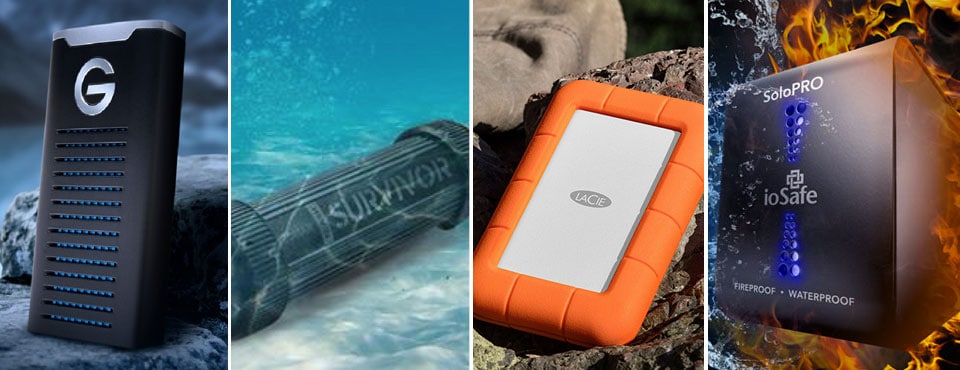
Most rugged USB drives are fairly well built as they are made with material that is protected from wear and tear. The drives themselves (and the data inside) should be to survive from being dropped onto a hard surface and then being stomped on. However, they won’t last very long if being subjected to constant abuse. If you need an even more durable drive that can handle shocks, drops, splash, pressure, and heat, you will find one in the list below.
Product Comparison
 Corsair Flash Survivor Stealth Price not available for 256GB | 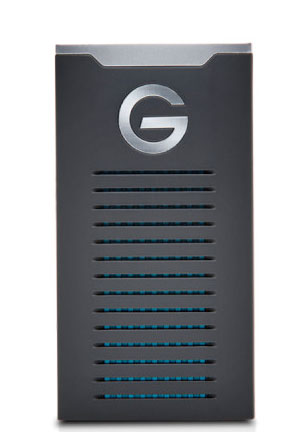 Sandisk Professional G-DRIVE SSD Price not available for 1TB | 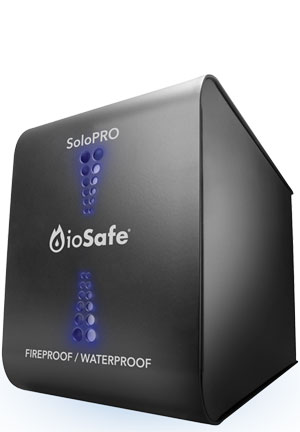 ioSafe SoloPRO Price not available for 2TB | 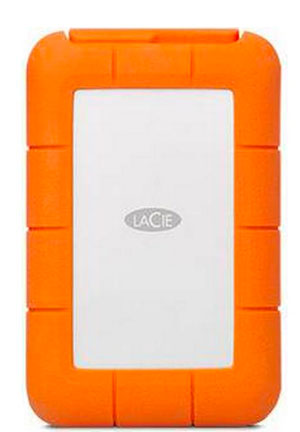 LaCie Rugged RAID Pro Price not available for 4TB | 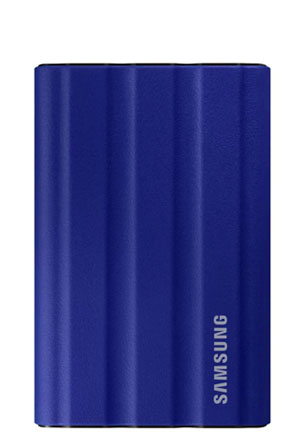 Samsung T7 Shield Price not available for 1TB |
|
| Storage Type: | Flash drive | Portable NVMe SSD | Desktop 3.5" HDD | Portable 2.5" HDD RAID | Portable NVMe SSD |
| Environmental Resistance: | No IP rating | IP67 rated: Total dust & limited immersion protection | IP68 rated: Total dust and full immersion protection | IP54 rated: Limited dust & water spray protection | IP65 rated: Water spray and full dust protection |
| Drop Resistance: | Not specified | 3 m 10 ft | Not applicable | 1.2 m 4 ft | 3m 10 ft |
| Immersion Resistance: | 200 m 650 ft | 1 m 3 ft | 3 m 10 ft (up to 3 days) | Not applicable | Not applicable |
| Pressure Resistance: | Not specified | 2000 lbs | Not specified | 2000 lbs | Not specified |
| Temperature Resistance | 0 to 70°C | Not specified | 1550°F / 840°C (up to 30 mins) | Not specified | -40 to 85°C |
| Build Material: | CNC-milled, aircraft-grade aluminum chassis | Aluminum body | Not specified | Rubber bumper, aluminum body | Aluminum body with non-removable silicone cover |
| Available Capacities: | 32GB to 1TB | 500GB to 2TB | 2 to 6TB | 2 x 2TB 4TB (RAID-0) 2TB (RAID-1) | 1TB to 4TB |
| Data Recovery Service Included? | No | No | Yes | 3-year Seagate data rescue program | No |
| Interface: | USB 3.1 Gen 1 (5Gbps) | USB 3.2 Gen 2 (10Gbps) | USB 3.2 Gen 1 (5Gbps) | USB 3.1 Gen 1 (5Gbps) SD slot | USB 3.2 Gen 2 (10Gbps) |
| Dimensions: | 85 x 24 x 24mm 3" x 0.95" x 0.95" | 94 x 50 x 14.5mm 3.74" x 1.97" x 0.57" | 127 x 180 x 279mm 5.0" x 7.1" x 11" | 139.7 x 91.4 x 30mm 5.5" x 3.6" x 1.18" | 88 x 58 x 12.7mm 3.5" x 2.3" x 0.5" |
| Weight: | 1.28 oz 36 g | 0.19 lb 86 g | 6.8 kg 15 lb | 0.9 lb 400 g | 3.5 oz 99.2 g |
| 2014 | 2017 | 2010 | 2018 | 2022 | |
| Warranty: | 5 years | 5 years | 3 to 5 years | 3 years | 3 years |
Pricing is last updated by Amazon on 2026-09-15 at 10:34. When you buy through Amazon affiliate links on our site, we may earn an affiliate commission.
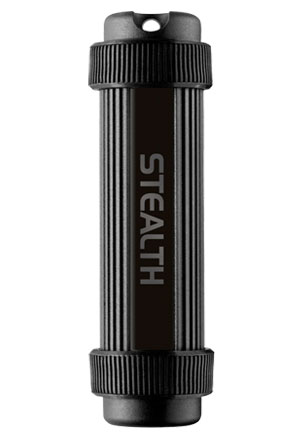
Corsair Flash Survivor Stealth Flash Drive
Not completely content with rubber’s above-average durability, Corsair has decided to go all out with their Flash Survivor rugged series. Forged from aircraft-grade aluminum in the CNC mills of Mount Doom, California, this drive is designed to take a beating while providing transfer speeds unfathomable by mere I/O controllers.
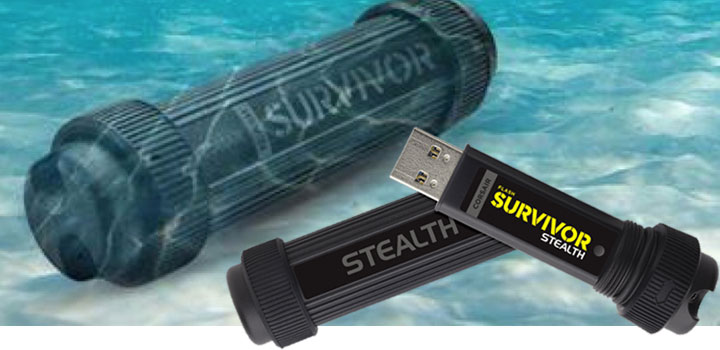
The Corsair Flash Survivor Stealth lived up to its name, after being submerged in 12′ of chlorine water, chucked from a roof, and backed over by my SUV multiple times. And while the tube housing may not have met our expectations with its flying endcap, it did protect our data, and Corsair’s generous 5-year warranty will grant it a new lease on life. The Survivor Stealth is definitely for those with active lifestyles.

- Storage Capacity: 128 GB
- Host Interface: USB 3.0
- Product Color: Black
ioSafe SoloPRO Fireproof Hard Drive
The SoloPRO from ioSafe is a giant disaster-proof external storage. Suffice to say, you can literally burn as well as drowning this drive, and the drive (inside) is guaranteed to keep on ticking. With actual dimensions of 7.1″ x 11″ x 5″, shoebox-sized DAS also weighs in at 15 lbs. The reason the drive is so large is due to the fact that the chassis is made from thick steel with no plastic anywhere in sight.
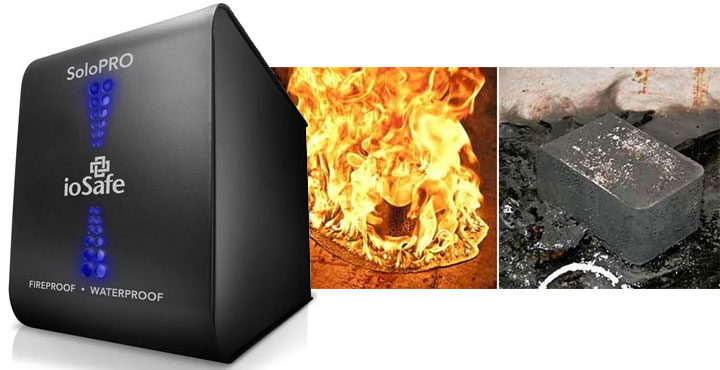
ioSafe advertises the SoloPRO as waterproof. While the hard drive inside the enclosure is technically, the USB SATA controller chip, the fan, and basically everything else are not. This makes sense as only the hard drive is sealed against the elements. As for ioSafe’s fireproof claim, no doubt one shouldn’t expect anything to survive after being engulfed in the fire for 30 minutes. Thanks to extracting the hard drive inside and plugging it into a free SATA port on any motherboard shows that your data is safe and sound. This is certainly a tank that your precious data can live in and be safe under just about any terrible circumstance but you have to pay a premium for this ultimate data protection.

- Fireproof - Protects data from loss up to 1550°F for 1/2 hour per ASTM E119
- Waterproof , Protects data from loss up to 10ft for 72 hours
- Microsoft Server, Linux, Mac and PC Compatible (eSATA model only)
LaCie Rugged RAID Pro
The Rugged RAID Pro from LaCie shares the same iconic orange bumper design as its siblings, but the latest iteration of the portable storage line now comes with an SD card slot and data redundancy using a pair of 2TB 2.5″ drives. Switching to RAID-0 will give you the combined capacity of 4TB; this mode also boosts performance up to 240MB/s. The sole drive supplier is none other than Seagate as it is the parent company of LaCie.
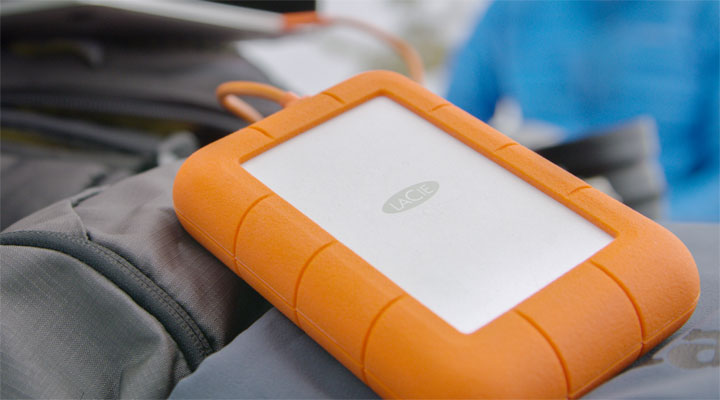
Being a rugged drive, it has a crush resistance of 1T which means the LaCie (or more importantly the data inside) should be able to survive after being run over by a small family car. The company also claims its IP54 rating should give you adequate protection against water spray and limited dust ingress. In addition to LaCie’s 3-year warranty, Seagate has included rescue data recovery should you need one.
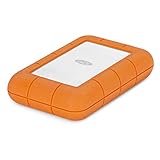
- Rugged Raid Pro offers the best of all worlds raid versatility, an integrated SD card reader...
- Shuttle large scale projects with 4TB of capacity, and directly ingest files with fast speeds...
- This portable external hard drive makes raid 0/1 configuration easy with the step by step...
Sandisk G-DRIVE SSD
G-technology – a brand under Western Digital that targets on-the-go photographers and video professionals alike – has a moderately rugged portable SSD that keeps up with today’s demand in performance and also data protection against different working environments. Its G-Drive SSD R-series is rated IP67, meaning the drive offers protection against dust and immersion up to 1m. G-technology also claims the chassis is able to withstand drops from up to 3m and to resist pressure up to 1000 lb.
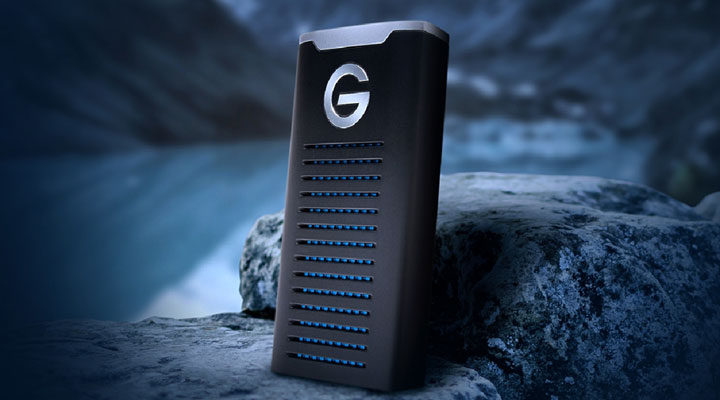
In addition to durability, the G-Drive offers superb performance (up to 560MB/s) via its USB 3.1 Gen 2 interface over USB-C. This speed should be fairly future-proof for most people’s needs unless you are trying to edit RAW 4k footage in real-time. G-technology doesn’t include free data recovery services with the G-Drive but offers a 5-year limited warranty with the product. You can find the rugged drives available from 500GB to 2TB.

- A durable design with IP67 water/dust resistance, 3M drop tested, and 1000lb crush resistance
- Super fast transfer rates up to 560MB/s
- Latest generation USB C connectivity (USB 3.1 Gen 2)
Samsung T7 Shield SSD
Samsung T7-series has already made a name for itself as it has become a popular choice of external SSD amongst casual and power users alike. While offering both performance and affordability, the first two T7 models even with their aluminum unibody construction were never designed to be dustproof and water-resistant. This is why the rugged Samsung T7 Shield is a natural fit to fill the void left by its siblings.
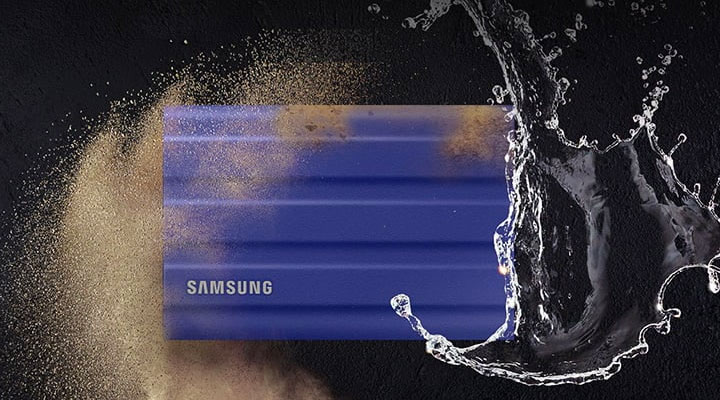
The aptly-named T7 Shield is wrapped in a drop-resistant rubberized cover, protecting the drive inside from drops up to 9.8 feet. The rubberized body is definitely a step up from the original T7 as accidental mishandling would leave many scratches and dents on the drive’s surface. The 10Gbps USB 3.2 NVMe SSD also offers an IP65 sealing with water encounters (read: splash and raindrops) and full dust protection.
Data on the drive is safeguarded by 256-bit AES hardware encryption with full compatibility with Macs, Windows, iPads with USB-C, and most Android devices. Available in 1TB and 2TB, the T7 Shield comes in black, blue, and beige.

- GO THE DISTANCE: Withstand whatever adventure with the wildly reliable T7 Shield; It’s...
- YOUR CONTENT CAPTURED: Take on the project, then transfer all your heavy files within seconds...
- SHARE IDEAS IN A FLASH: The T7 is embedded with PCIe NVME technology that brings you fast read...

These are the 5 most rugged USB personal storage solutions we’ve found so far. We hope you find them useful. If you are using some other products that aren’t listed here, let us know in the comments below.